The Smart Home Network Switch Buyer's Guide: How to Pick the Perfect One
Introduction
You've just run out of Ethernet ports on your router, and the first thought is to grab any network switch off the shelf. But not all switches are created equal—grabbing the wrong one can bottleneck your entire home network, leave you without essential features, or lock you into a dead end when your setup grows. This guide walks you through the exact steps to identify the right managed switch—ideally one with 2.5 GbE or faster—so you never waste money on a switch that doesn't fit your needs.
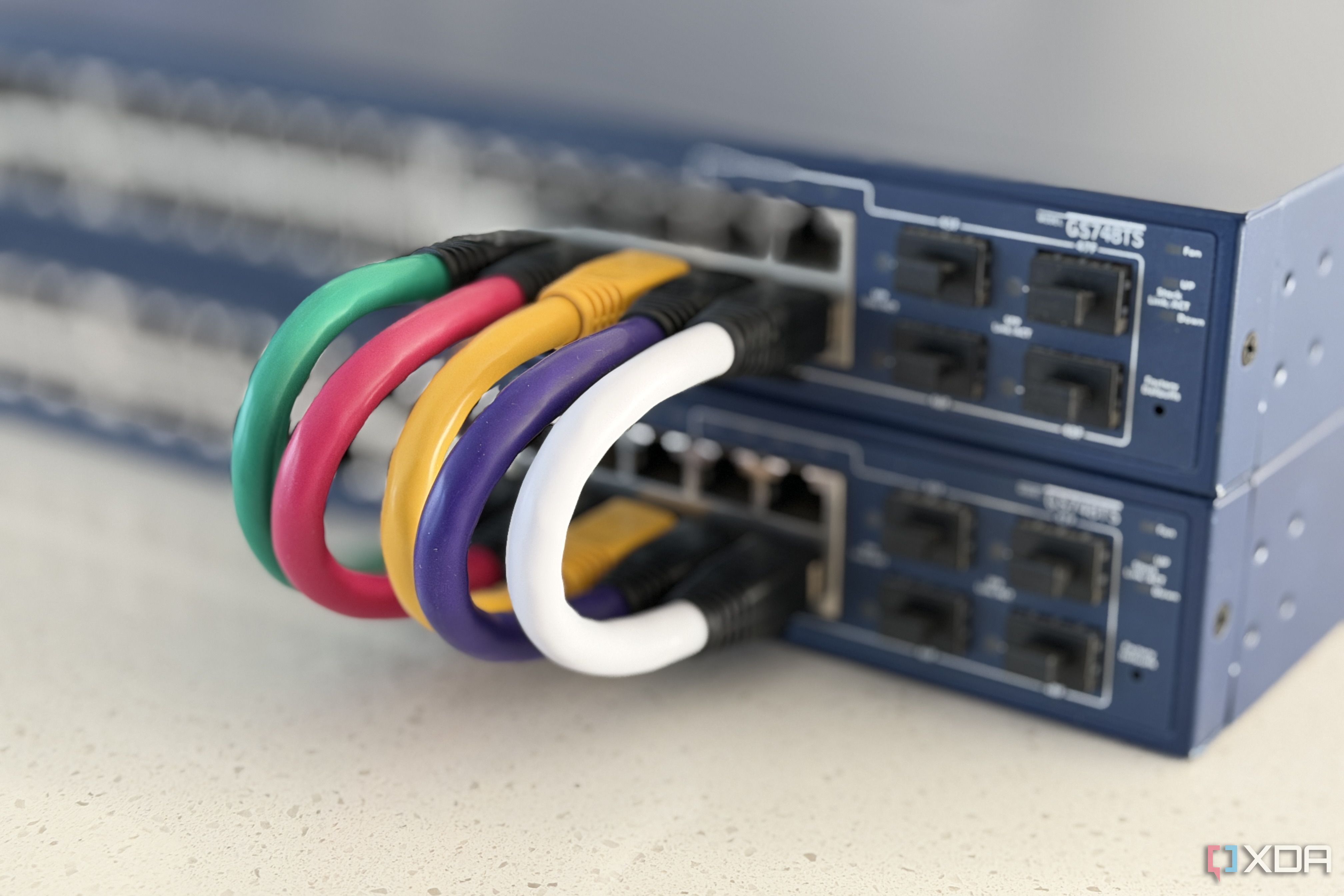
What You Need
- Current network inventory: List all wired devices (PCs, consoles, streaming boxes, smart hubs).
- Internet plan speed: Check your ISP's advertised download/upload speeds.
- Router specs: Note the number and speed of existing LAN ports.
- Budget range: Decide how much you're willing to spend (managed switches with 2.5 GbE typically cost $100–$300+).
- Future expansion plans: Think about devices you’ll add in the next 12–24 months.
- PoE (Power over Ethernet) devices: If you have IP cameras, VoIP phones, or access points, you may need a PoE switch.
Step-by-Step Guide
Step 1: Audit your current network and usage patterns
Start by counting every device that currently uses an Ethernet cable. Don’t forget game consoles, DVRs, or smart TVs. Also note which devices are wireless but could benefit from a wired connection—like a desktop gaming PC or a NAS (network-attached storage). Jot down the maximum bandwidth each device eats during peak use. For example, a 4K stream uses about 25 Mbps, but a large file transfer between a PC and NAS can saturate a 1 Gbps link. This will help you decide the switch speed you need.
Step 2: Determine your required switch speed
Most consumer routers come with 1 GbE ports. That’s fine for basic internet, but if you transfer files between local devices (e.g., backing up your PC to a NAS) or use multi-gig internet plans (e.g., 2 Gbps fiber), a 1 GbE switch becomes a bottleneck. Go for a switch with 2.5 GbE or faster for the uplink port to your router and for high-bandwidth devices. If your budget allows, 5 GbE or 10 GbE switches are even better for future-proofing, but they cost more. For typical households, a 2.5 GbE managed switch provides a solid backbone without breaking the bank.
Step 3: Choose between managed and unmanaged switches
Unmanaged switches are plug-and-play and great for simple networks—they just pass traffic without any configuration. But you’re here because you want to avoid a wrong purchase. A managed switch gives you VLAN support, which lets you segment your network (e.g., isolate IoT devices from your main PC). It also offers traffic prioritization (QoS), link aggregation, port mirroring, and SNMP monitoring. For any network that will grow, get a managed switch. Even if you don't use VLANs today, you’ll have the option later. The extra cost (usually $20–$50 more) is well worth it.
Step 4: Decide on the number of ports you need now and later
Count the devices you’ll plug in immediately. Add half again as many for future expansion. Common sizes are 5-port, 8-port, 16-port, and 24-port. If you’re filling up an 8-port today, get a 16-port. Ports are rarely wasted—you can always daisy-chain switches, but a single larger switch is simpler to manage and uses less power.
Step 5: Check if you need Power over Ethernet (PoE)
If you have any devices that can be powered over the Ethernet cable (like IP cameras, Wi-Fi access points, or VoIP phones), look for a switch that supports PoE. Note the PoE budget: total power available to all ports. For example, a 4-port PoE switch may offer only 60W total, limiting the devices you can connect. If you don’t need PoE, you can save money by buying a non-PoE switch.
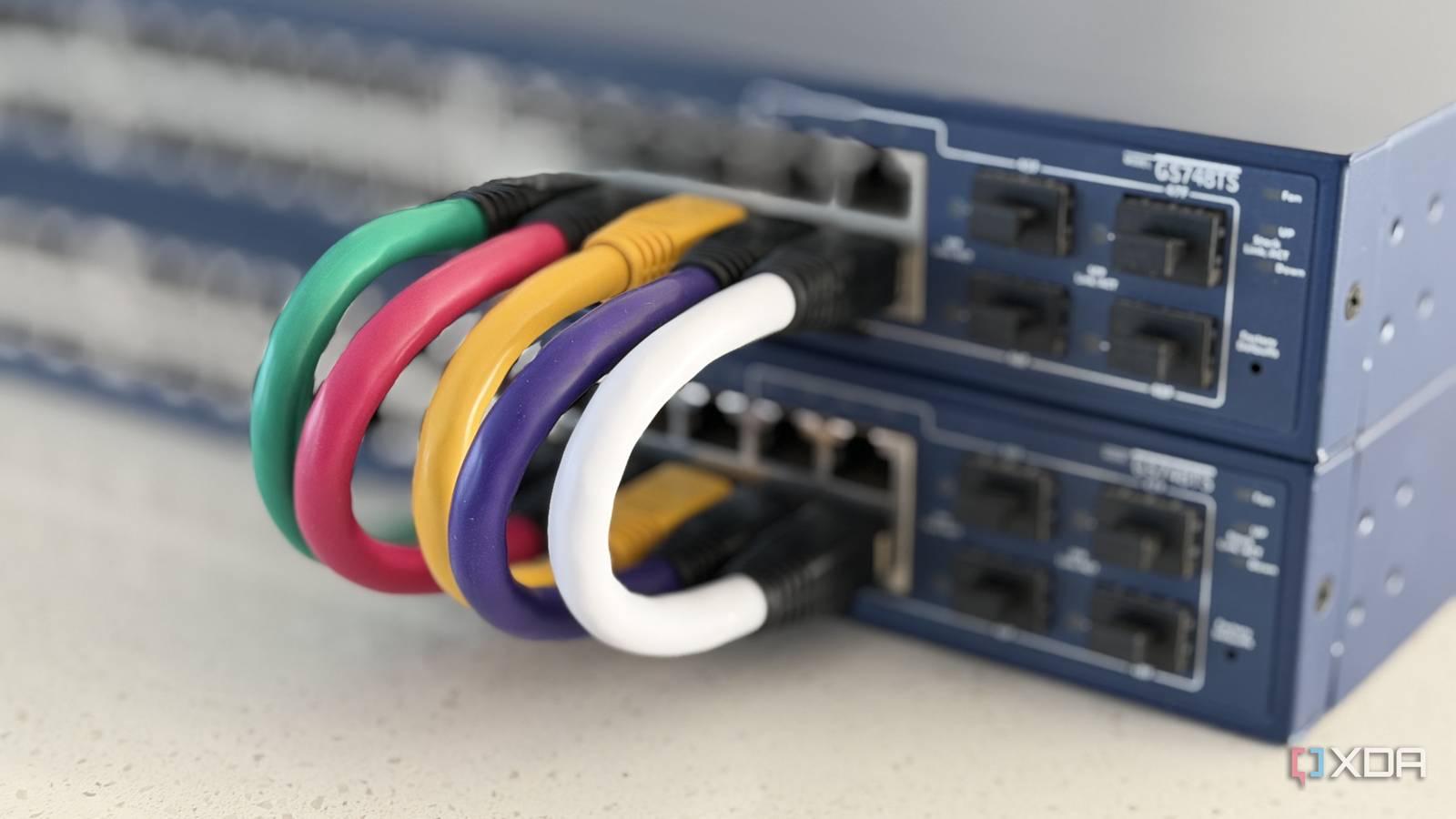
Step 6: Evaluate advanced features you might want
Managed switches come with a lot of capabilities. Beyond VLANs and QoS, consider:
- Link aggregation (LACP) – to combine multiple ports for more bandwidth to a server or NAS.
- Spanning Tree Protocol (STP) – prevents network loops if you connect multiple switches.
- User-friendly web interface or app – some brands have better configuration tools than others.
- Fanless design – essential if the switch sits in a living room or bedroom (silent operation).
Step 7: Research brands and read real-world performance tests
Popular brands for home managed switches include TP-Link Omada, Ubiquiti UniFi, Netgear ProSAFE, and QNAP QSW. Look for reviews that test throughput under load and examine the web interface. Check forums (Reddit’s /r/HomeNetworking) for long-term reliability reports. Avoid unknown brands with very low prices—they often lack firmware updates and proper VLAN implementation.
Step 8: Compare prices and buy
Once you’ve narrowed down to 2–3 candidates, compare prices across Amazon, B&H, and the manufacturer’s site. Sometimes you can get refurbished units for 30% off with the same warranty. Check return policies—you want the ability to return if the switch doesn’t meet expectations. After purchase, set up the switch in a well-ventilated area, connect it to your router via the uplink port (often labeled “Uplink” or “WAN”), and configure it using the web interface.
Tips for Success
- Don’t overspend on 10 GbE unless you have devices that support it. For most homes, 2.5 GbE is plenty. Upgrade later when your equipment supports multi-gig.
- Label your cables. Use a label maker or colored tape to identify which device connects to which port. It saves hours of troubleshooting.
- Enable VLANs from day one. Even if you only have two groups (main and IoT), segmenting your network improves security and reduces broadcast traffic.
- Keep the firmware updated. Check the manufacturer’s website every few months for security patches and feature improvements.
- If you buy a managed switch, take time to learn the basics of VLAN configuration. Many YouTube tutorials walk you through setting up guest networks or isolating smart home devices.
- Consider a switch with a metal casing. It dissipates heat better and lasts longer than plastic ones, especially in warmer rooms.
Related Articles
- Top 7 Deals You Can't Miss: From Affordable Tablets to High-Tech Laptops and Smart Home Gear
- Network Tools tcpdump and dig Get Crucial Man Page Updates with Beginner-Friendly Examples
- 6 Critical Things to Know About the Latest Smartphone Price Hikes
- Enhancing Man Pages: From Cheat Sheets to Categorized Options
- NVIDIA’s Spectrum-X Ethernet With MRC Redefines AI Networking: OpenAI, Microsoft, Oracle Already Deploying
- LDAP Secrets Management Reimagined: Q&A on Vault Enterprise 2.0's Innovations
- Revolutionizing LDAP Secrets Management: Inside Vault Enterprise 2.0
- 7 Critical Enhancements in LDAP Secrets Management with Vault Enterprise 2.0