6 Ways Google's New 'Ask' Button Transforms Android Search
Imagine tapping a link from Google Search results and wanting to ask a follow-up question about the page you're reading—without losing your place. Google's latest Android app update introduces a clever solution: an 'Ask' button that lets you query AI directly from any opened link. This feature, currently rolling out, integrates AI Mode with contextual awareness, making multitasking feel seamless. Additionally, Google is experimenting with attachment options for Files and Drive within AI Mode, hinting at a more interactive search future. Here are six key things you need to know about this game-changing feature.
1. The 'Ask' Button: Your New Search Companion
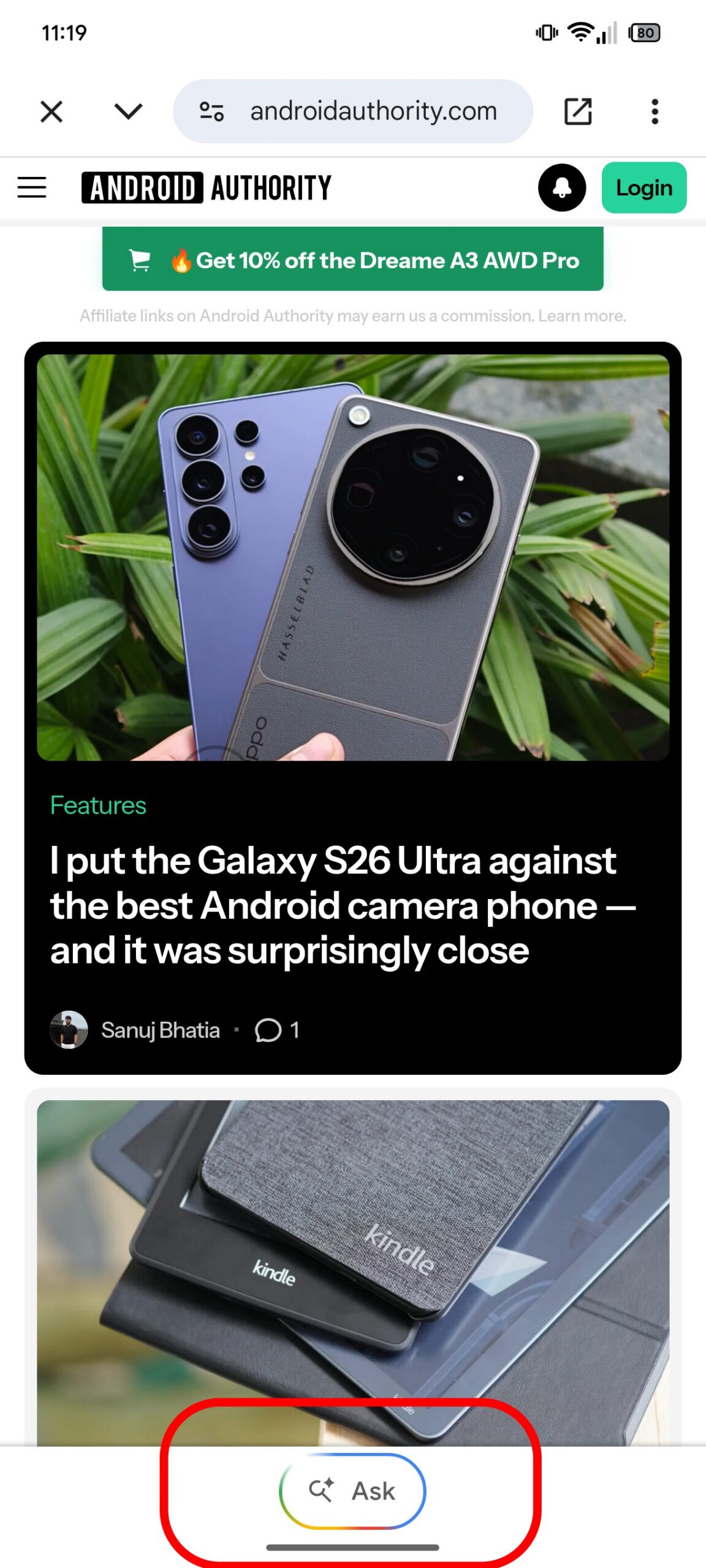
The 'Ask' button appears as a floating action button within the custom tab window when you tap a Google Search listing on Android. Instead of forcing you to navigate away to perform a new search, this button opens AI Mode with the current webpage's content automatically added as context. This means you can ask specific questions about the page—like 'Summarize this article' or 'What are the main arguments?'—without retyping URLs or losing your reading spot. It's designed to reduce friction between browsing and searching, making information retrieval faster and more intuitive.
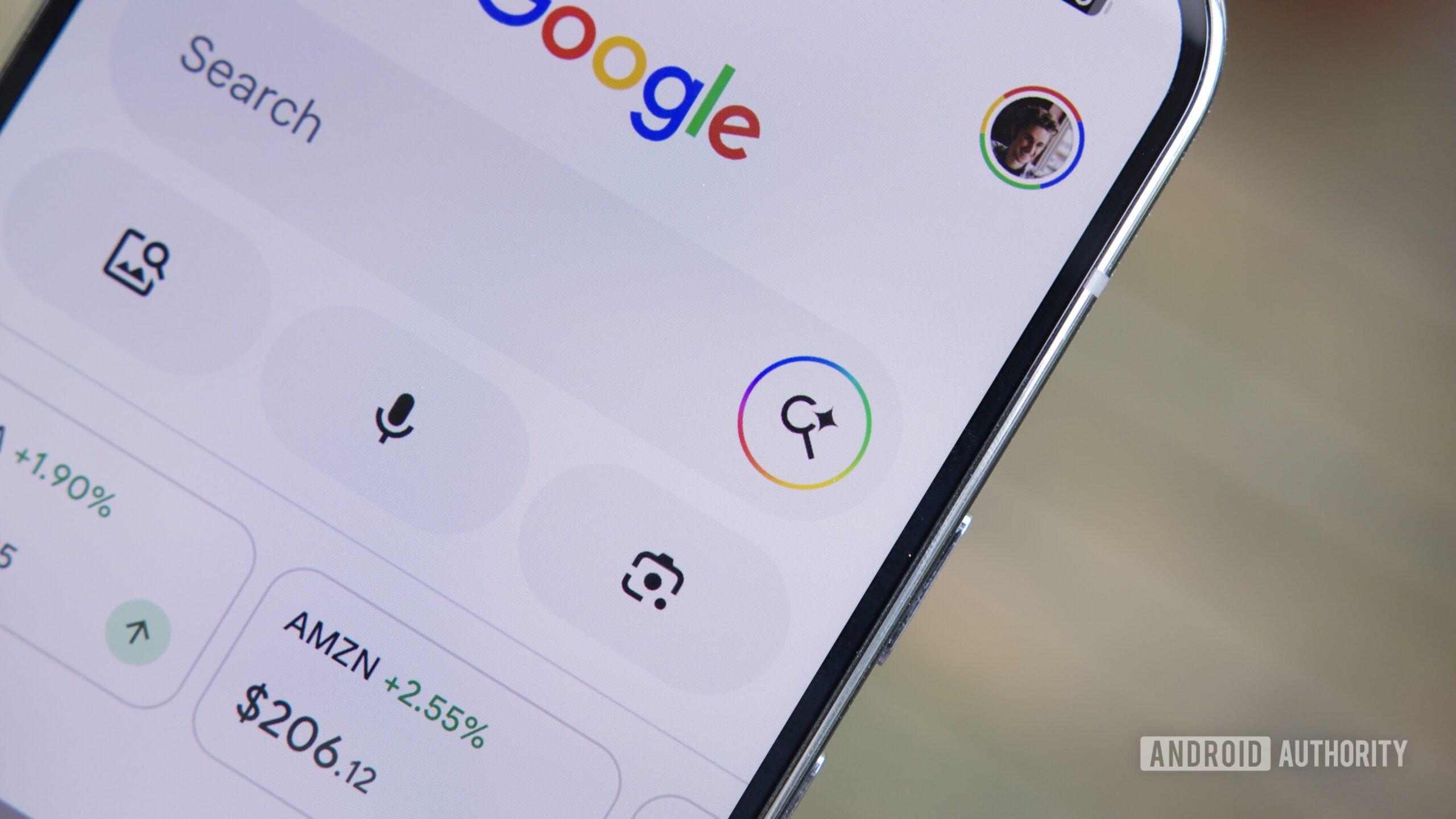
2. AI Mode Gets Contextual Superpowers
Previously, AI Mode in Google Search operated in a separate window, disconnected from the content you were viewing. With the 'Ask' button, the AI now understands the context of the page you're on. For example, if you're reading a recipe and want to know calorie content or substitution options, simply tap 'Ask' and type your query. The AI analyzes both the page and your question, providing relevant answers without additional searches. This contextual awareness is a leap forward in making AI assistants genuinely useful for real-time browsing tasks.
3. Multi-Tasking Without Tab Overload
One of the biggest frustrations with mobile search is accidentally overwriting your current search when opening a new link. The 'Ask' button eliminates this by keeping your current page active. You can ask multiple questions in succession, and each response appears in the same AI Mode overlay, preserving your browsing history. No more frantic tab management or losing your place—just seamless, focused questioning. This is especially handy for research, online shopping comparisons, or learning new topics where you need to dig deeper without starting over.
4. Seamless Integration with Android Custom Tabs
The 'Ask' button is deeply integrated with Android's custom tabs—the lightweight browser windows that open when you click Google Search results. Instead of a full browser launch, custom tabs keep you within the Google app ecosystem. The 'Ask' functionality enhances this by providing a persistent button at the bottom of the screen. Tapping it slides up the AI Mode interface, which automatically includes the current page's URL and some context. This integration means zero extra steps: no copying URLs, no switching apps—just instant AI assistance.
5. Testing Attachment Options for Files and Drive
Beyond web pages, Google is testing a new layer in AI Mode: the ability to attach files, including documents from Google Drive and local Files. While still in early testing, this feature could let you upload a PDF or a spreadsheet and ask the AI to summarize, extract data, or answer questions based on that file. Combined with the 'Ask' button, this could turn AI Mode into a powerful productivity tool—imagine reading a report and asking for key insights, or analyzing a contract clause without leaving the page. It's a hint at Google's vision for a more document-aware search experience.
6. What This Means for the Future of Search
The 'Ask' button and file attachments signal a shift from passive search results to an interactive, query-driven assistant. Google is essentially embedding AI Mode into the browsing flow, reducing the need to manually sift through results. This could lead to a more conversational search experience where users ask follow-ups just like a chat. For power users, it means less context switching and higher efficiency. As AI models improve, we might see deeper integration—voice queries, visual search combined with page context, and even proactive suggestions. The 'Ask' button is just the beginning of a more intuitive, responsive search ecosystem.
Conclusion
Google's new 'Ask' button for Android search is more than a convenience—it's a fundamental redesign of how we interact with web content. By allowing contextual AI queries directly from any link you open, it removes the friction of multi-step searching. The coming attachment options for Files and Drive promise even greater utility. For anyone who frequently researches, shops, or reads online, this feature turns the Google app into a smarter, more adaptive tool. Keep an eye out for its rollout, and see how it transforms your daily browsing.
Related Articles
- New cross-platform encryption for RCS messages: Android and iPhone users can now chat securely in beta
- New from Apple: iOS 26.5 Features, Mac Buying Tips, and More
- Apple Releases iOS 26.5 with RCS Encryption, EU Wearable Support, and More
- Decoding the Surprise: How Greg Mottola Could Reinvent Deathstroke and Bane for the DCU
- Flutter Abandons CocoaPods: Swift Package Manager Becomes Default in Next Release
- Building VR Apps with React Native: Official Support for Meta Quest
- A Complete Guide to Using Automatic Captions in iOS 27 for Personal Videos
- Apple and Android Finally Secure Cross-Platform Chats: RCS End-to-End Encryption Goes Live