Simulating ::nth-letter: A Step-by-Step Guide to Styling Individual Letters with CSS
Introduction
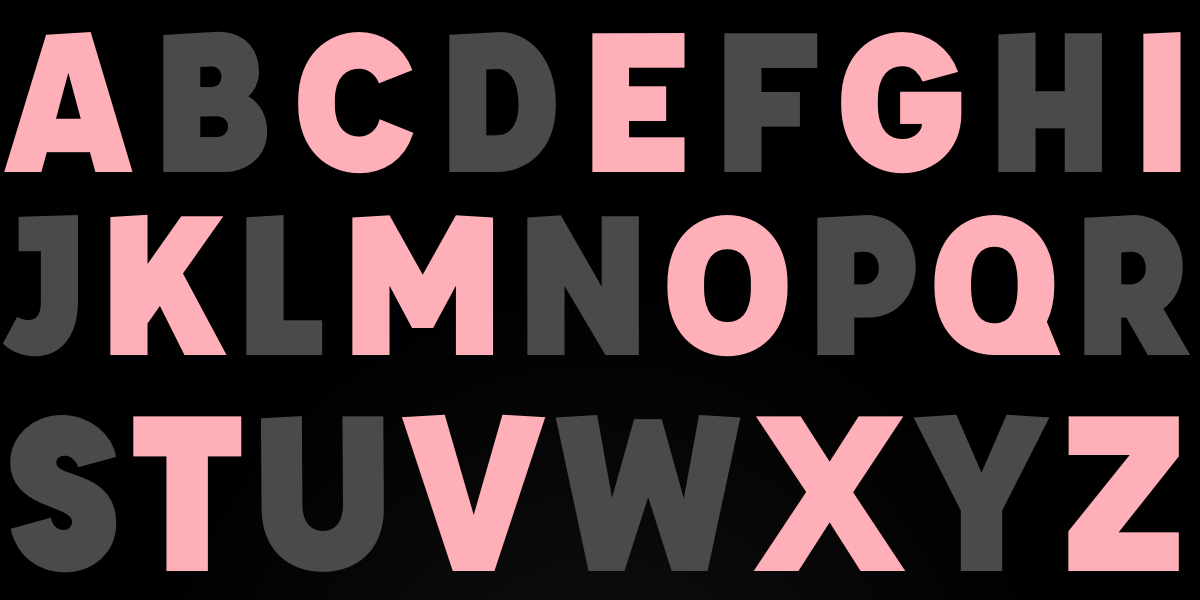
CSS has never provided a native ::nth-letter pseudo-element, despite long-standing requests from the developer community. This deficiency forces us to resort to JavaScript workarounds to style each character individually. However, with a simple script and clever use of CSS selectors, we can replicate the behavior of the imaginary selector. This guide will walk you through the entire process, from setting up your HTML to fine-tuning the styling for complex typography effects. By the end, you’ll be able to create drop caps, letter-by-letter animations, and skew effects—all without waiting for browser vendors to add the feature.
What You Need
- Basic knowledge of HTML, CSS, and JavaScript (ES6 is fine).
- A modern web browser that supports
:nth-childand attribute selectors. - A text container you want to style—for example, a
<h1>or<p>element. - A text editor (or CodePen) to test the code.
Step-by-Step Instructions
Step 1: Prepare Your HTML Structure
Start with a simple HTML document containing an element whose text you wish to style. For demonstration, we’ll use an <h1> with the class fancy.
<h1 class="fancy">Hello CSS</h1>Step 2: Write JavaScript to Split Text into Letters
Create a script that will iterate over every character inside the target element, wrap each character in a <span>, and assign a data-letter-index attribute to keep track of position. This approach gives us a hook for CSS selectors.
function wrapLetters(element) {
  const text = element.textContent;
  element.innerHTML = '';
  text.split('').forEach((char, index) => {
    const span = document.createElement('span');
    span.textContent = char;
    span.setAttribute('data-letter-index', index);
    element.appendChild(span);
  });
}

const heading = document.querySelector('.fancy');
wrapLetters(heading);
Step 3: Insert the Modified HTML Back
After running the function, the heading’s content is replaced with a series of <span> elements, each containing a single letter. You can verify this in the browser’s inspector. Now we can style each span individually using CSS.
Step 4: Write CSS Rules for Letter Styling
With the spans in place, target them using the data-letter-index attribute or :nth-child. The following example adds basic transformations and backgrounds to simulate the imagined ::nth-letter syntax.
.fancy span {
  display: inline-block;
  padding: 20px 10px;
  color: white;
}

.fancy span:nth-child(even) {
  transform: skewY(15deg);
  background: #C97A7A;
}

.fancy span:nth-child(odd) {
  transform: skewY(-15deg);
  background: #8B3F3F;
}
Step 5: Apply Styles Based on Position
You can now use :nth-child() with even, odd, or numeric values to target specific letters. For more complex patterns, include a script that toggles classes based on the index.
Step 6: Enhance with CSS Custom Properties
To make styling more dynamic, define CSS custom properties on each span using the style attribute. For example, set --rotation to a value derived from the index. Then use those properties in your CSS.
// In JavaScript:
span.style.setProperty('--rotation', index * 10 + 'deg');

// In CSS:
.fancy span {
  transform: rotate(var(--rotation));
}
Step 7: Test and Adjust
Run your page in different browsers to ensure the styles apply correctly. Pay attention to special characters like spaces, punctuation, and emoji—they may need separate handling (e.g., converting spaces to non-breaking spaces or ignoring them).
Step 8: Consider Performance and Accessibility
Wrapping every letter in a <span> can create a large DOM, especially on long texts. Keep this technique for short decorative headings only. Also, screen readers will announce the letters individually, which can confuse users. Use aria-label on the parent element to preserve the original text for assistive technology, and add role="presentation" to the spans.
Tips for Success
- Use a fallback: If JavaScript is disabled, the text remains unstyled but still readable. Provide a basic CSS fallback for the unsplit version.
- Leverage existing libraries: For production, consider using Lettering.js which automates the wrapping process and offers
char,word, andlinesplitting. - Optimize for animation: Pair this technique with
requestAnimationFramefor smooth letter-by-letter animations. - Remember browser support:
:nth-childanddata-*attributes work in all modern browsers, including Internet Explorer 9+. - Keep semantics in mind: Avoid using this method on paragraphs of body text; reserve it for titles or short phrases where visual flair is intentional.
While we dream of a native ::nth-letter selector, this JavaScript-assisted approach delivers the same visual results today. With a little extra effort, you can create unique typographic effects that captivate your audience—all without waiting for the CSS specification to catch up.
Related Articles
- 5 Game-Changing Upgrades in Copilot Studio’s Switch to .NET 10 on WebAssembly
- CSS rotateY() Function Revolutionizes 3D Horizontal Flips for Web Developers
- Firefox 151.0: Enhanced Privacy Tools and Session Management
- Google Chrome's stealthy AI download: What you need to know and how to reclaim storage
- Boosting JSON.stringify Performance: A Step-by-Step Guide to V8's Optimizations
- From Semantic Web Struggles to Block Protocol: A New Hope for Structured Data
- 10 Keys to Testing Vue Components Directly in the Browser
- 10 Ways to Supercharge V8 Startup with Explicit Compile Hints